
Invoice-linked payment
The payment journey starts from the school-fee invoice the parent intends to settle.
M-Pesa school fee collection
An eligible learner invoice can start the parent M-Pesa flow while SchoolPey keeps payment confirmation, allocation, balance, learner credit, and receipt history connected.
The operational problem
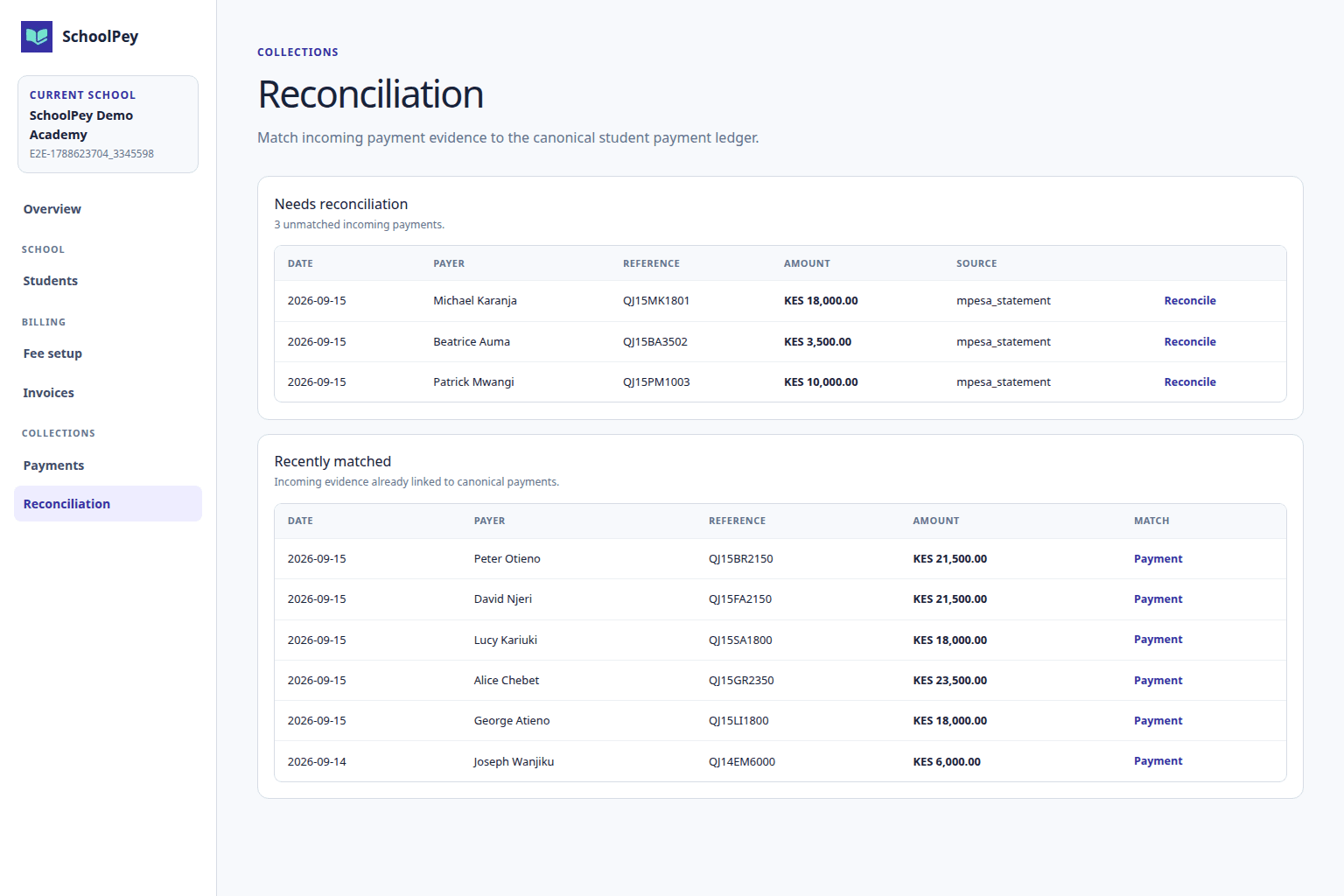
SchoolPey starts from the learner invoice and keeps provider confirmation tied to the same fee record instead of asking the finance team to reconstruct the payment from screenshots or SMS messages.
The payment journey starts from the school-fee invoice the parent intends to settle.
The parent approves through the normal M-Pesa flow; SchoolPey never receives or stores the M-Pesa PIN.
SchoolPey observes the payment provider result before treating money as confirmed.
Confirmed evidence converges into the same payment ledger used by the rest of SchoolPey.
The payment allocation updates what remains outstanding without rewriting the original invoice.
Payment proof remains available through the connected receipt and finance history.
How SchoolPey handles the workflow
The parent starts from an authorized learner invoice in SchoolPey.
The provider requests payment on the intended phone number through the normal M-Pesa flow.
SchoolPey waits for provider evidence rather than trusting a client-side success screen.
The canonical payment, allocation, balance, credit where needed, and receipt trail stay connected.
Frequently asked questions
No. SchoolPey never receives or stores the M-Pesa PIN. The parent approves the transaction through M-Pesa.
Payment initiation is subject to the parent's authorized guardian relationship and the invoice/payment permissions enforced by SchoolPey.
Confirmed provider evidence is reconciled into SchoolPey's canonical payment and allocation records, which then drive the learner balance, credit, receipt, statement, and reporting views.
Try the real workflow
Evaluate the fee operation with actual billing, payment, reconciliation, balance, receipt, statement, and reporting workflows before standard billing.
Request a 1-month pilot